
Connectivity
Fast line, still buffering
A speed test reports the biggest number your line can produce for a few seconds with nothing else running.
The row of lights on a router is a status display, not decoration. Vendors differ in the details, but the categories are the same everywhere…
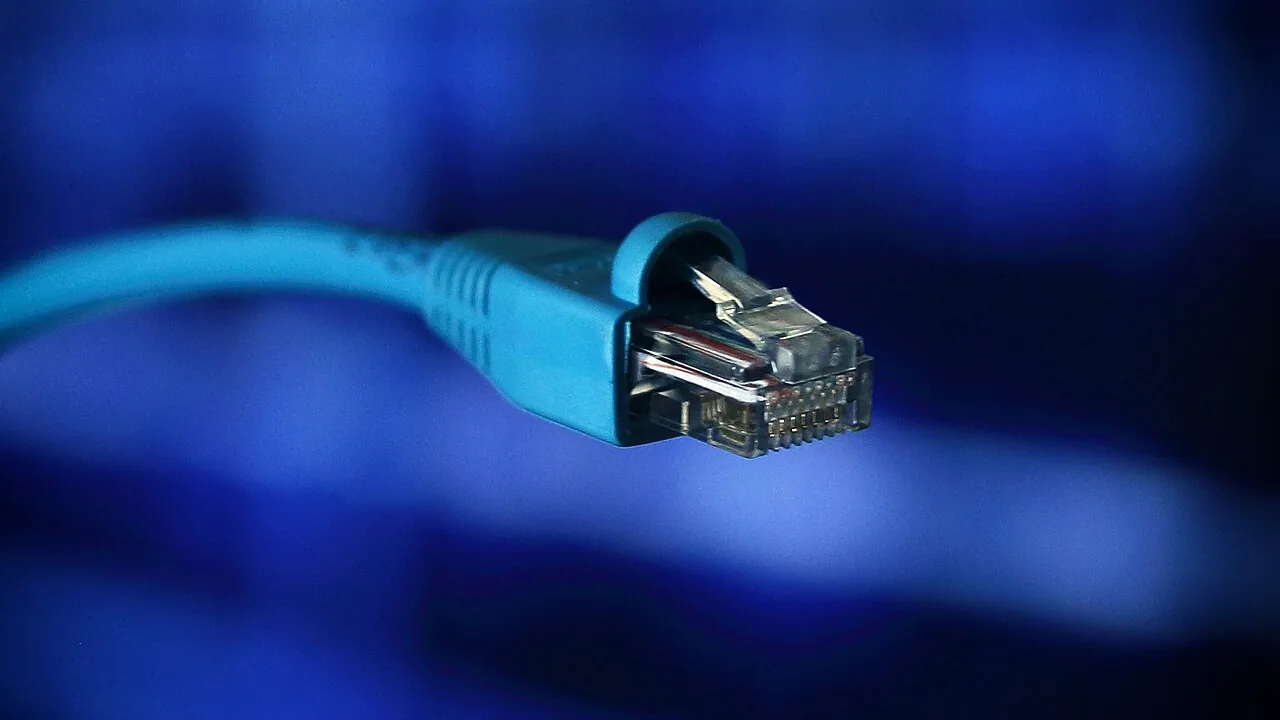
The row of lights on a router is a status display, not decoration. Vendors differ in the details, but the categories are the same everywhere, and reading them in order tells you within a minute whether the fault is in the house, on the line, or with the provider.
The lights follow the path the data takes. Power comes first: solid means the device is running, pulsing usually means it is starting up or applying firmware. Next is the line itself — labelled DSL, Fibre, Cable or WAN depending on the technology — which shows whether the router can see the network outside the building. After that comes the internet light, which shows whether the provider has actually authenticated the connection. Wi-Fi and the numbered Ethernet ports come last, and they describe only what is happening inside the house.
The order matters because each stage depends on the one before it. A dead line light makes everything to its right meaningless.
As a rule, solid means a link is established, flashing means data is moving, and off means nothing is connected. The common trap is a slow, regular blink on the line light: that is not traffic but a search for a signal, and it means the router is not synchronising with the exchange.
Colour usually carries the alarm. Green or white is normal on almost every brand, amber or orange typically means a connection exists but at a reduced state, and red means a failure — no line, no authentication, or a hardware fault. A Wi-Fi light that is off is not always a fault: it may simply mean the radio has been switched off in the settings, or that the device is running as a modem only.
Line light off or blinking and internet light dark: the fault is outside the house, on the connection to the exchange or the cabinet. Check the cable at both ends, then report it.
Line light solid but internet light red or off: the link is up and the provider is not letting you on. That is usually an authentication problem — wrong credentials after a router swap, or an account issue — and a restart rarely fixes it.
Everything solid and devices still offline: the problem is inside, in Wi-Fi or in the device itself. The label on the underside of the router carries the default network name, key and management address you will need to check the settings, and it is worth photographing before the sticker wears off.
A speed test reports the biggest number your line can produce for a few seconds with nothing else running.

Wi-Fi 7 is the current generation of home wireless, and its headline gains — wider channels, the 6 GHz band, and the ability to use two bands at once…
One weak room and a tight budget point to an extender. Several weak rooms, or a weak room where the speed also collapses, point to a mesh system…