Connectivity
Fast line, still buffering
A speed test reports the biggest number your line can produce for a few seconds with nothing else running.
Moving the broadband is one of the few tasks in a house move with a fixed lead time, and it rarely matches the day the van arrives.
Moving the broadband is one of the few tasks in a house move with a fixed lead time, and it rarely matches the day the van arrives. What decides it is not your schedule but what is already installed at the new address.
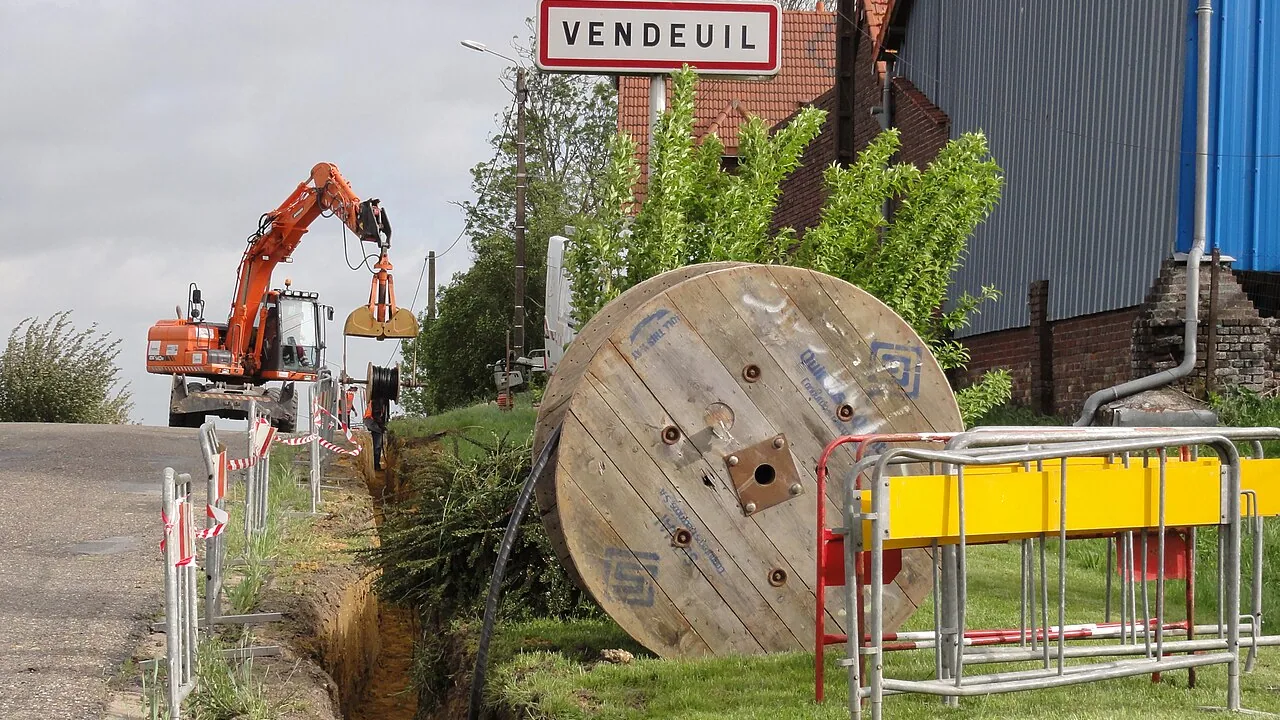
Before anything else, check what the new address can take. A property with a working line from your provider can usually be switched on within days, sometimes the same day, because the physical connection exists and only needs activating. A property with no line, or one served by a different technology, needs an engineer, and that is where waits of two to six weeks appear.
Providers all publish an availability check for exactly this reason. Run it before you give notice on the old address: if your provider cannot serve the new one, you are not moving the service at all, you are ending one contract and starting another, and the two have different costs.
A transfer is really a disconnection at one address and an activation at the other. They are booked separately, and the gap between them is the time you spend without a fixed connection. Booking the activation for the day before the move, rather than the day after, is the cheapest insurance there is: an early activation costs nothing, a late one costs a week of tethering.
Ask explicitly whether the contract restarts. Moving the service often resets the minimum term, and a promotional price usually does not travel with you. If the contract has already run its course, comparing a new sign-up against the transfer is worth ten minutes, because new-customer pricing is frequently lower than the move.
Take the router with you unless the provider says otherwise; the same box normally works at the new address, and unreturned equipment attracts charges. Photograph the sockets and the cabling before you unplug anything, and keep the account number somewhere you can reach without the internet.
Expect the first days to be unrepresentative. Lines on some technologies run a stabilisation period, during which the provider deliberately varies the speed while it settles on a stable profile, and the figure you see on day one is not the one you will live with. Test with a cable, at a quiet hour, after the first week, and only then raise a fault if the numbers are wrong.
A speed test reports the biggest number your line can produce for a few seconds with nothing else running.

Wi-Fi 7 is the current generation of home wireless, and its headline gains — wider channels, the 6 GHz band, and the ability to use two bands at once…

One weak room and a tight budget point to an extender. Several weak rooms, or a weak room where the speed also collapses, point to a mesh system…