Security
How to check a gambling licence
Your friend drops a link in chat. “Fast payouts. Big bonus.” You feel the itch to try, but your gut says, “Wait.
A passkey replaces the password with a cryptographic key pair: the private half stays on your device or in a password manager, the public half sits with the service.
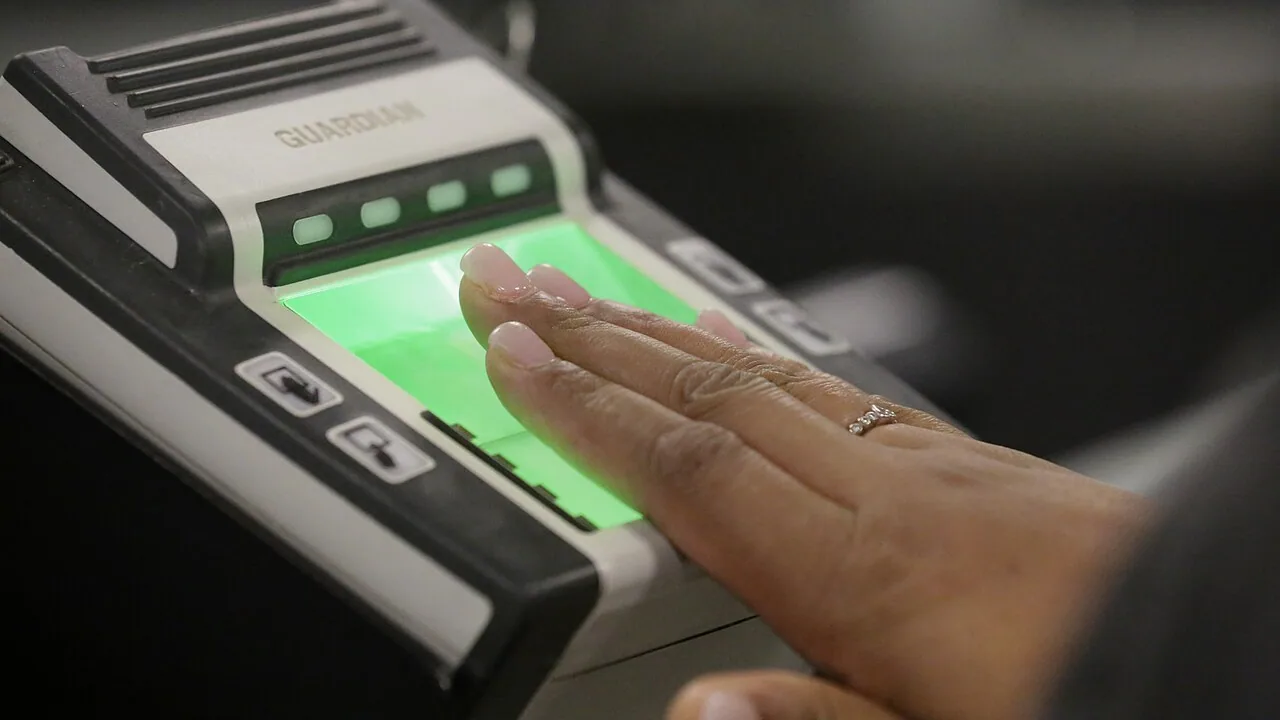
A passkey replaces the password with a cryptographic key pair: the private half stays on your device or in a password manager, the public half sits with the service. Nothing reusable is typed in, so there is nothing to phish and nothing to leak in a breach. What changes is not only how you sign in, but what happens when the device is gone.
Signing in becomes a local action. The service sends a challenge, your device unlocks the private key with a fingerprint, a face scan or the screen lock, and signs the answer. The key never leaves the device or the manager holding it, and it only works on the site it was created for, which is why a copied passkey cannot be replayed on a lookalike domain.
Most services treat it as an added sign-in method rather than a replacement. The password usually stays on the account until you delete it, and on many accounts that is deliberate: it remains the fallback if every device holding a passkey disappears at once.
A passkey can be synced or device-bound. A synced passkey is stored in the password manager of your platform or browser and appears on every device signed into that account, so a lost phone is an inconvenience rather than a lockout. A device-bound passkey, including one on a hardware security key, exists in one place only: lose it and that credential is gone for good.
Moving between ecosystems is the other rough edge. Passkeys synced by one platform's manager do not automatically travel to another, so a change of phone brand can leave a set of credentials behind. A cross-platform password manager avoids that, at the cost of trusting it with the keys.
Because a passkey cannot be read, written down or recited to support, recovery is entirely about what else is attached to the account. Before you remove a password, make sure at least two of these are in place: a second passkey on a different device, a hardware key kept somewhere else, backup codes on paper, or a verified recovery address or number that is not on the same phone.
The one setup to avoid is a single device-bound passkey with nothing behind it. That is the configuration where a dropped phone turns into an identity review that takes days, and sometimes into an account that nobody can reopen.
Your friend drops a link in chat. “Fast payouts. Big bonus.” You feel the itch to try, but your gut says, “Wait.
It is possible to enjoy online casino games while remaining safe. This guide lays out easy, straightforward steps anyone can take to keep themselves safe.